 Pahe.in HQ Movies at Affordable Size
Step by step how to download:
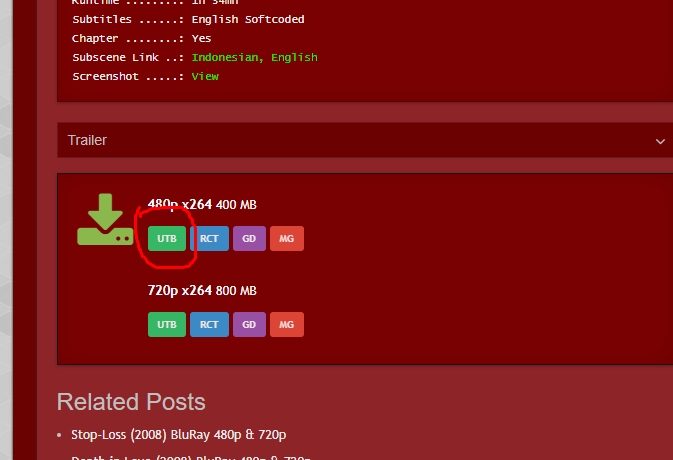
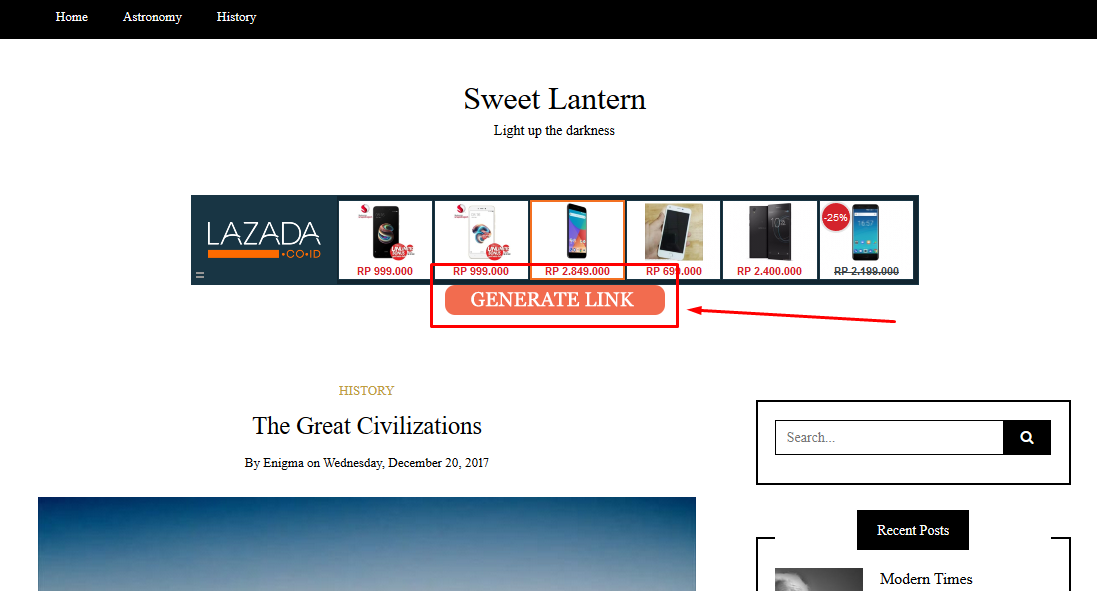
– Click GENERATE LINK
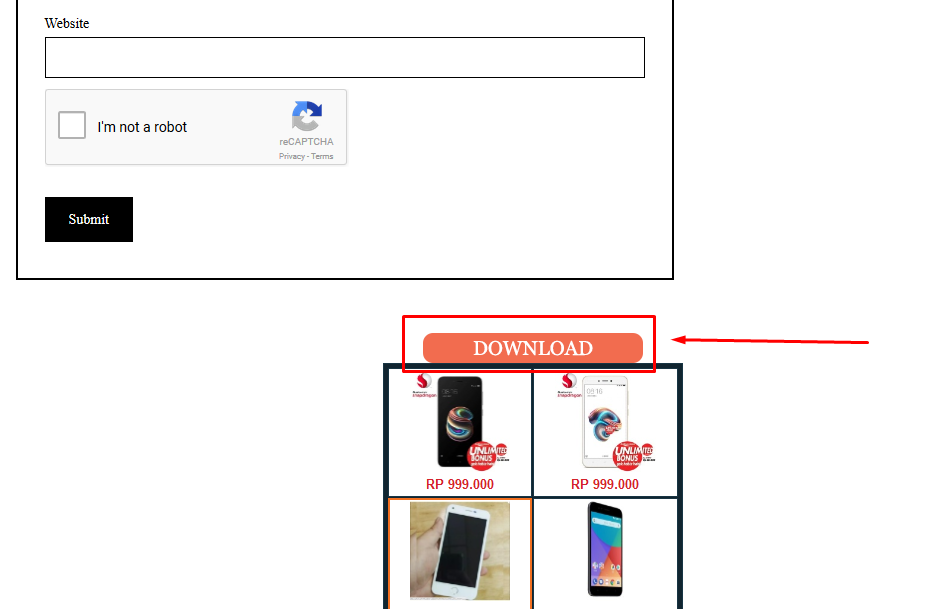
– Click DOWNLOAD
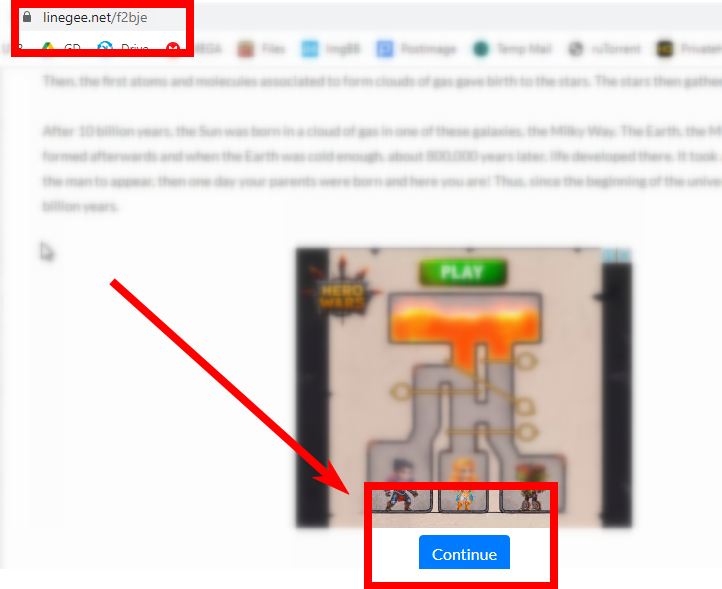
– Scroll down and click CONTINUE
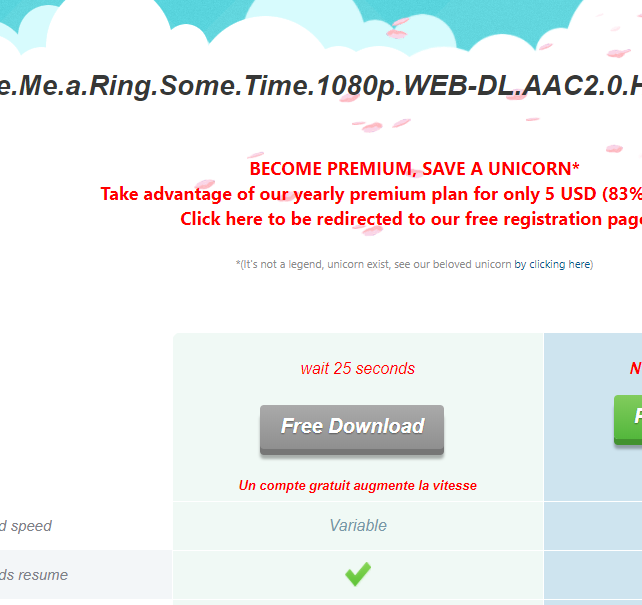
Step 1 - On Pahe.in
Step 2 - On Sweetlantern/Intercelestial
– Click GENERATE LINK
Step 3 - Still on Sweetlantern/Intercelestial
– Click DOWNLOAD
Step 4 - On Linegee
– Scroll down and click CONTINUE
You're done!
I always use 1DM to download usually no problem, now when from intercelestial always go to INVALID SESSION,
Please help
use other browser to get the link
Oh thanks
PLEASE HELP!
I cannot get past intercelestial.com. after click on “Click to Verify” i get this message:
“Ad blocker or auto-click script detected
Ads on this site are blocked, or a script is pressing the buttons for you, so the link can’t be unlocked. Disable your ad blocker and any userscript (Tampermonkey, Violentmonkey) for this site, then tap the button.”
Even though:
1. I disabled my AD Block and also i disabled my all Extensions.
2. i disabled Tracking prevention from my Edge browser.
3. I tried with 2 browsers. Edge and Mozilla. None of them work.
Due to this problem, I cannot access any of the movies or series.
PLEASE FIX THIS.
Thank you.
Adblockers usually come in 3 sources:
1. Browser build-in – eg. Google Chrome.
2. Browser extensions – eg. ABP
3. DNS – especially if you changed your ISP DNS to a 3rd party one like Adguard DNS.
Edge browser you use supports DOH (ie change DNS from with it and use it instead leaving your system DNS intact.). You need to check that as well.
I see you already found out the anti-adblock system also stop tracker blocker too. Good luck.